How it Works
The steps are mentioned below in good detail, to help you perform the process with great ease and comfort:
Step 1
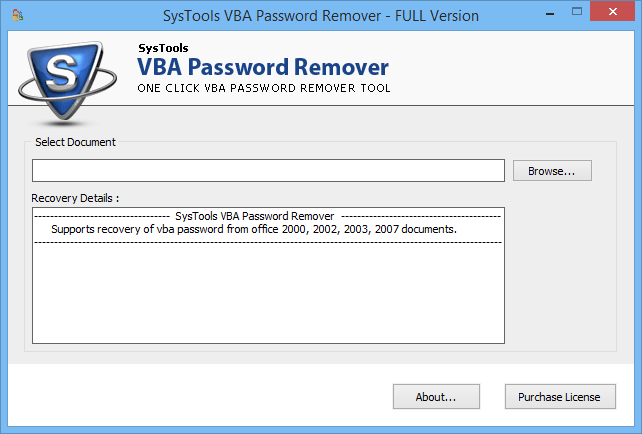
Go to Start » Programs » VBA password recovery. Initial screen of the software falshes on your system.
Step 2
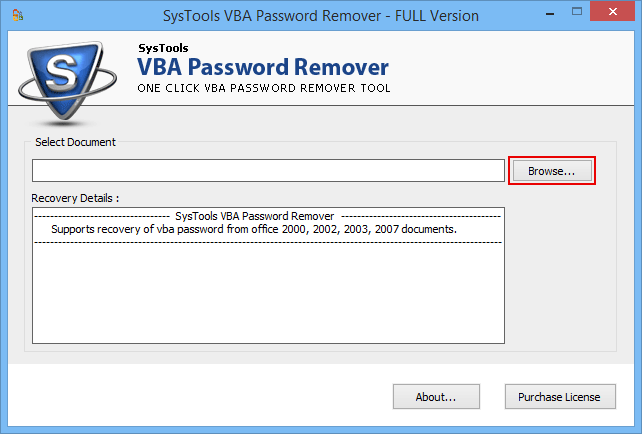
Click on the Browse button to add secured file to the software as shown in the image below.
Step 3
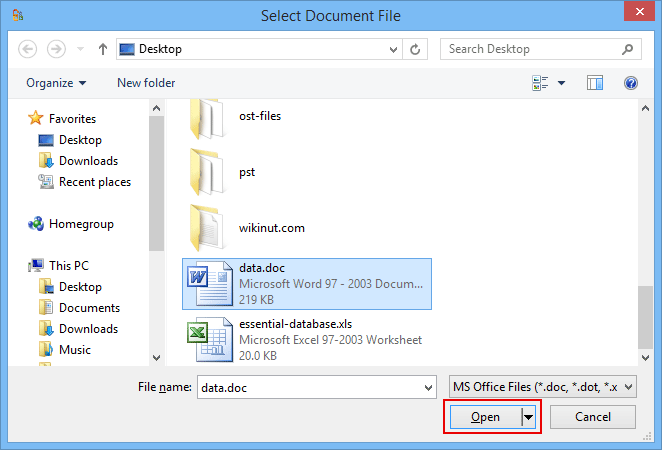
Click on Open button after selecting the file.
Step 4
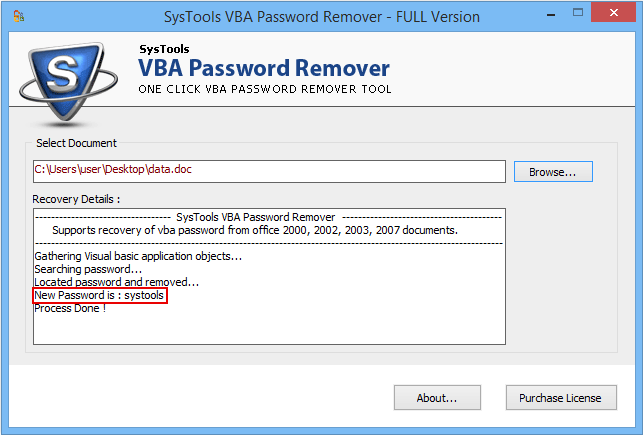
In the next window you will see the password has been removed by the tool.
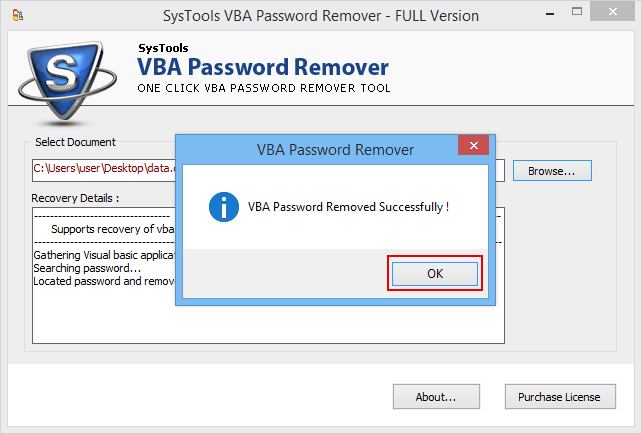
Step 5
Now you can open your file with new password generated by the software.